Hashmedo HITL · Our flagship product

Connect your systems, notify the right people, collect decisions, and keep a record of what happened.

Start the mobile demo

Try demo now

No email or account needed.Explore ways to improve agent reporting and interactions.

Answer from your phone or browser. Your agent retrieves your response through MCP or API. HASHMEDO keeps the request and your answer.

Connect the agents you already run through MCP or API.

Contact us to get access to a demo

Subscribe for updates

Bring your existing agents

Connect your agents.
Benefit from day one.

Add human decisions, shared configuration, activity records and cost reporting to the agents you already run.

Your agentYour code. Your runtime.
MCP / API
HashmedoWeb · iPhone · Android

Use your preferred language.

Connect through our HTTP API or a compatible MCP client. Working examples are available in Python, JavaScript and Java, including LangGraph and LangGraph4j.
Connect your first agent

Keep your infrastructure

Your agents run
where you run them.

Keep your code and execution in your environment. Connect through MCP, REST or webhooks.

Cloud
Containers
On-premises
MCP clientsn8nBackend servicesCI/CD pipelines

HTTP and MCP integration paths; dedicated adapters are not included for every platform.

Explore integration options

Connect with clear authority

Give agents access.
Keep people in control.

Limit access to the agents and operations you choose. Keep human consent and revocation part of the connection.

  1. Choose the scope

    Select the agents and permitted operations.

  2. A person authorizes

    Agents cannot grant themselves human authority.

  3. Stay in control

    Review connections and revoke access.

OAuth 2.0 / OAuth 2.1Preview

OAuth connections remain in preview. API-key connections are available now.

View authentication and protocols

Activity, costs and spending

Record agent activity.

Keep reported progress, questions, human responses, approvals, errors, and results linked to each agent and job. See what was requested, what was decided, and what happened afterward.

Consolidate costs.

See agent-reported costs across jobs in one place. Compare estimates, approved maximums, and actual costs. Track corrections and identify missing costs or amounts above the approved maximum.

Approve spending before it happens.

Review the proposed action, estimated cost, and spending maximum. Approve, decline, or decide later. Your agent integration enforces the approved limit; HASHMEDO records your decision and the reported actual cost.

Connect your first agent

Start with your existing code.

Use your preferred language. Connect through our HTTP API or a compatible MCP client. Working examples are available in Python, JavaScript and Java, including LangGraph and LangGraph4j.
  1. 01

    Create an agent account

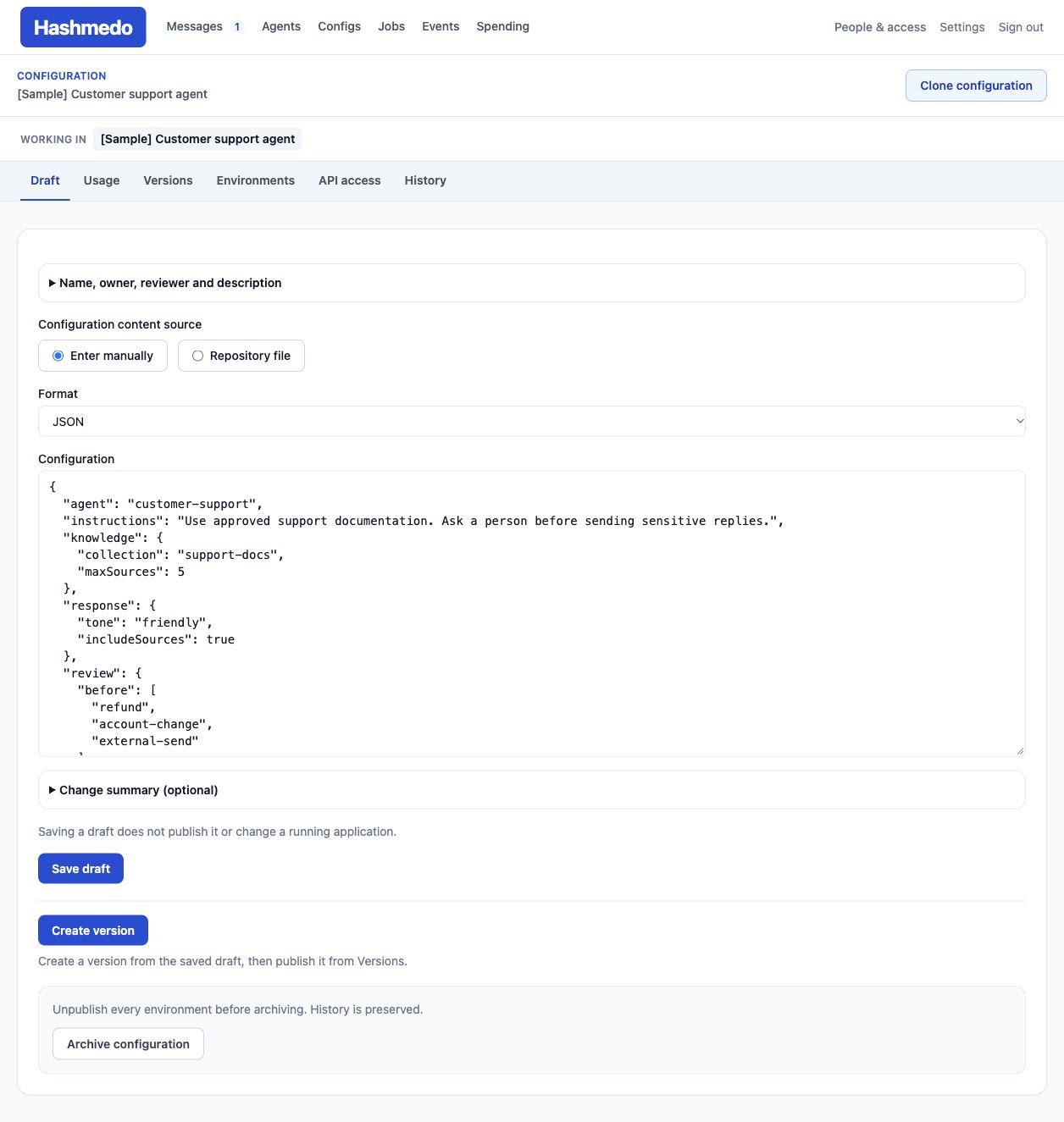
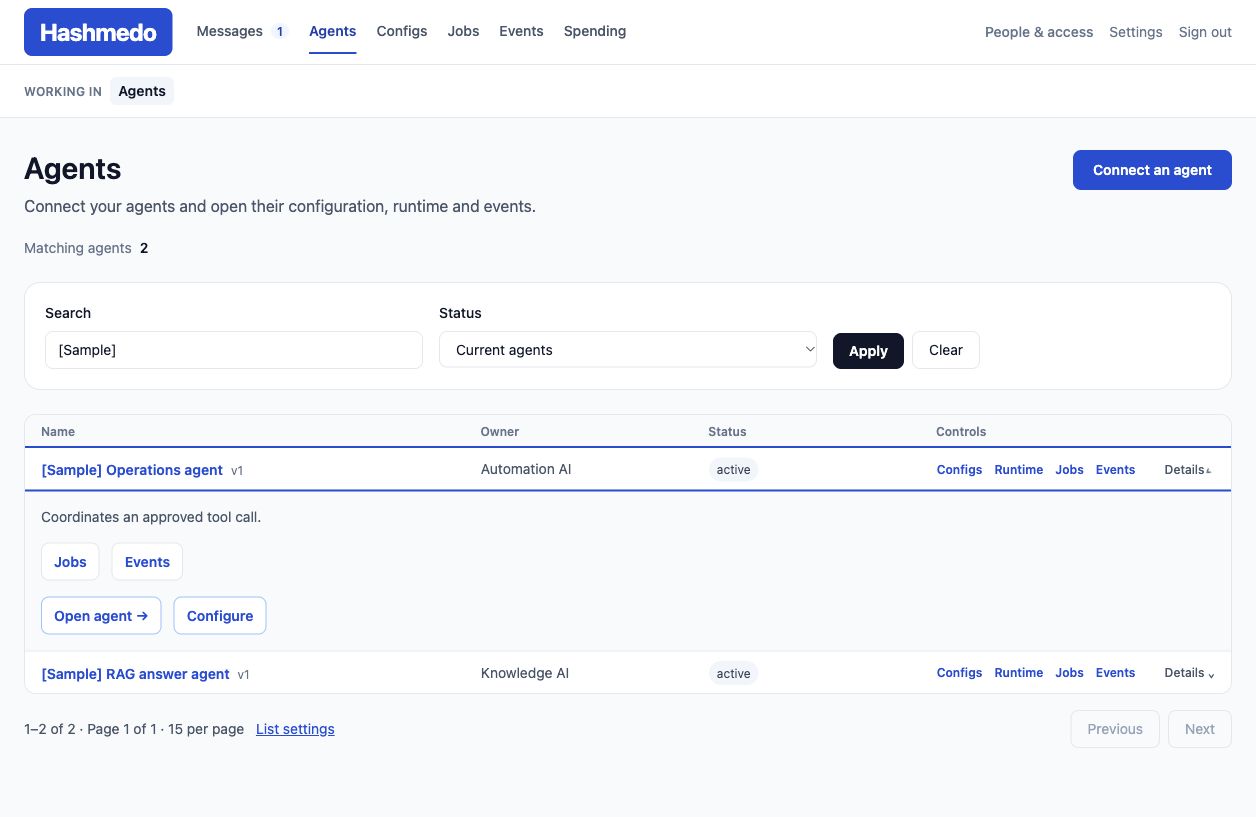
    Choose your organization, create an agent account and grant access to the systems or components it needs.

  2. 02

    Use your connection settings

    Open the agent testing flows for prefilled settings and runnable examples. Copy the code or save it as a file. Keep the API key in your runtime’s secret storage.

  3. 03

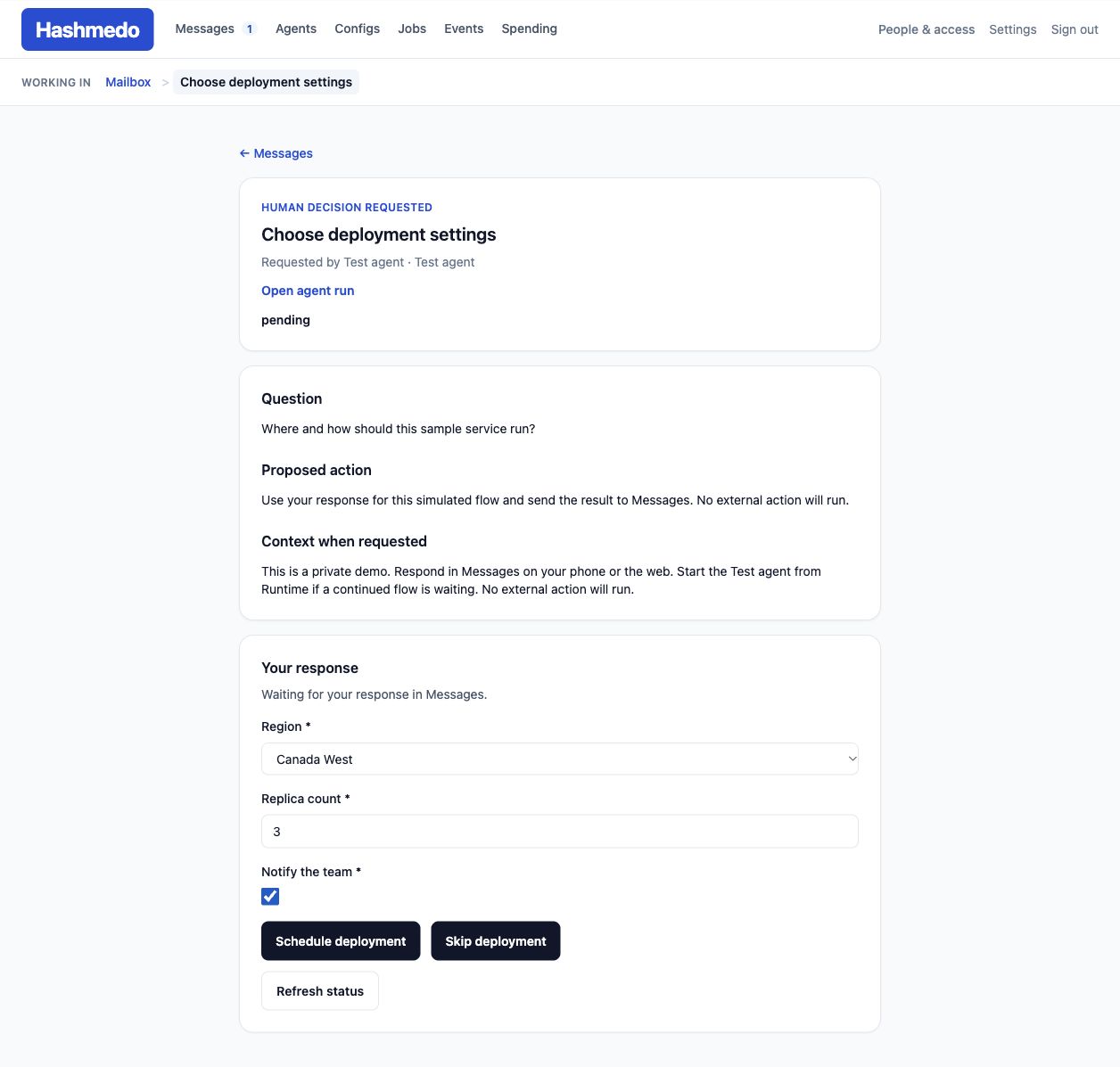
    Try a human decision

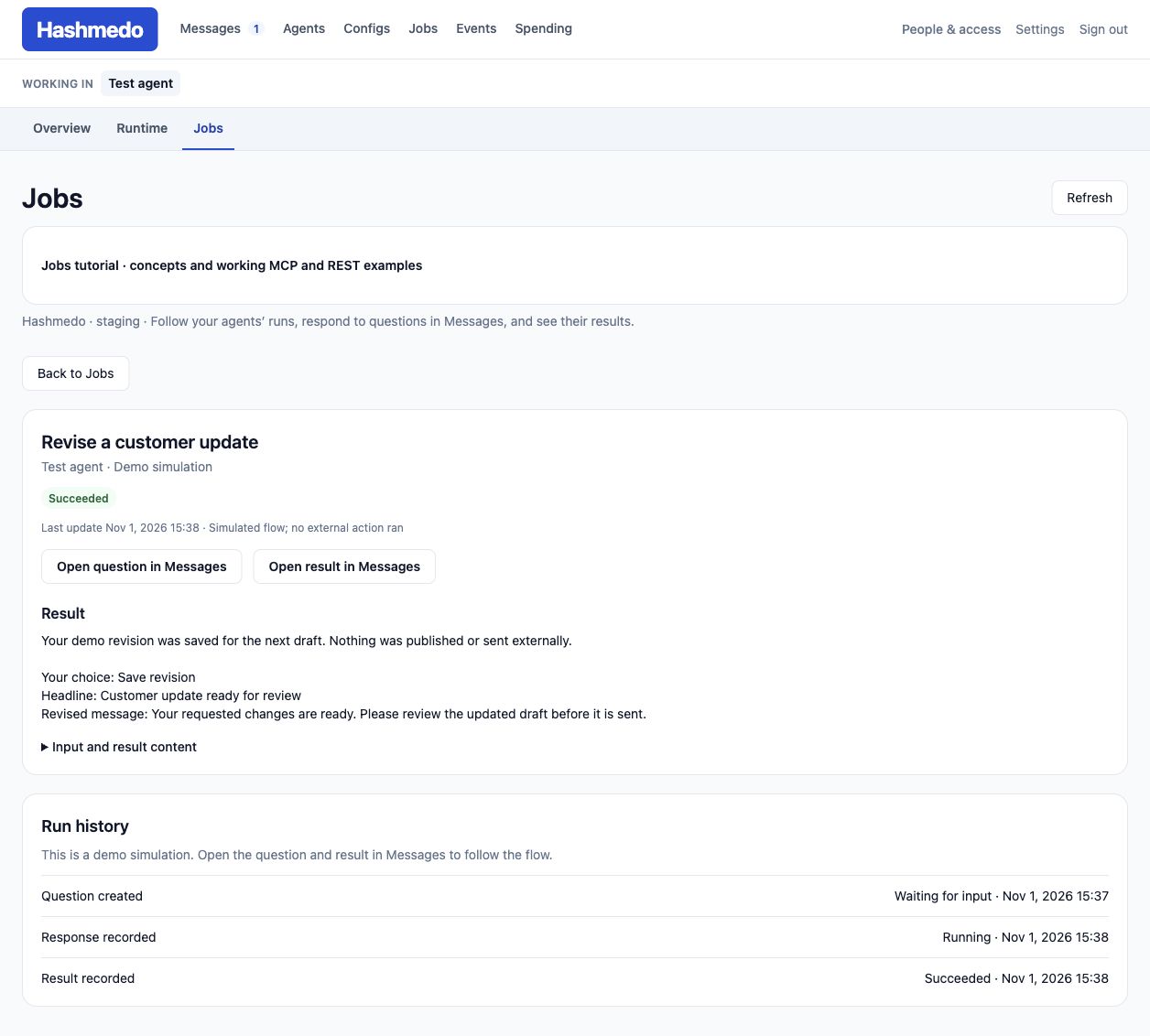
    Run an example, answer from your phone or browser, then let the agent retrieve the saved response and report its result.

MCP or API integration

Connect a request to a recorded answer.

Your code and execution stay in your environment. Connect your existing agent through MCP or API.

  1. 01

    Connect your agent

    Use MCP from a compatible client, or call the HTTP API using your preferred language.

  2. 02

    Send the request

    Include the question, context, choices and inputs you need. For spending approval, include the proposed action, estimate and maximum.

  3. 03

    Answer or approve

    The designated person reviews the request and responds from their phone or browser. HASHMEDO records their answer.

  4. 04

    Report the result

    Your agent retrieves the response and reports its progress, result and costs. Keep those reports linked to the job and request.

Authentication and protocols

Specific access. Explicit human consent.

Connect through an API key today. OAuth 2.0 / OAuth 2.1 connections are in preview, with availability controlled by the deployment and client profile.

API keys Available

Use an agent account’s key for MCP or HTTP API calls. Its object grants determine which systems, components and operations it can access. The agent can rotate its own keys.

OAuth connections Preview

Authorization Code with PKCE S256. A human authorizes a connection to an existing agent account, restricted to the selected organization, objects and operations. Revoke the connection to stop its access.

Protocols used by the OAuth integration
StandardWhat it doesConnection detail
RFC 7636 ↗PKCEBinds the authorization code to the client that started the request.The client supplies an S256 challenge and proves possession of its verifier during code exchange.
RFC 8414 ↗Authorization-server metadataLets clients discover the issuer and authorization endpoints.Publishes authorization and token endpoints and supported authentication capabilities.
RFC 8707 ↗Resource indicatorsIdentifies the MCP resource the client wants to access.Tokens are bound to the canonical organization-specific MCP resource, rather than a browser’s current workspace.
RFC 9728 ↗Protected-resource metadataLets an MCP client discover the resource’s authorization server.Resource metadata advertises trusted authorization servers and supported scopes. Scopes do not grant object permissions by themselves.
RFC 7591 ↗Dynamic client registrationAllows compatible clients to register using a standard protocol.Available only for enabled client and deployment profiles. Registration does not grant access to your organization.

OAuth 2.1 describes the implementation profile; it is not a claim of final RFC certification. Authorizing a connection does not approve a proposed action: human decisions remain separate requests.

Two products. Shared technology.

Human decisions first.
A platform with broader reach.

Our flagship product · For agent developers

Hashmedo
Human in the loop

Questions and approvals.
On your phone or the web.

Connect the agents you already run through MCP or API. Keep their requests, your responses, and reported outcomes together.

  • Record agent activity
  • Consolidate costs across jobs
  • Approve proposed actions and spending limits

For AI leaders and system owners

Hashmedo
Governance

Understand your AI landscape.
Make decisions with the evidence in view.

Connect systems to their models, agents and data sources. Review ownership, configuration versions and operational evidence against your organization’s readiness criteria.

  • A connected inventory and architecture
  • Configuration versions for each environment
  • Evidence, readiness and human reviews

Built around your existing systems

Connect the agents
you already run.

Use MCP or API to connect your agents. Answer questions and review requests from your phone or browser.

Contact us to get access to a demo